
CANComm No Response: Check CAN Baud and Wiring
Troubleshoot CANComm no-response conditions by separating adapter settings from device CAN baud, wiring, addressing, and protocol checks.
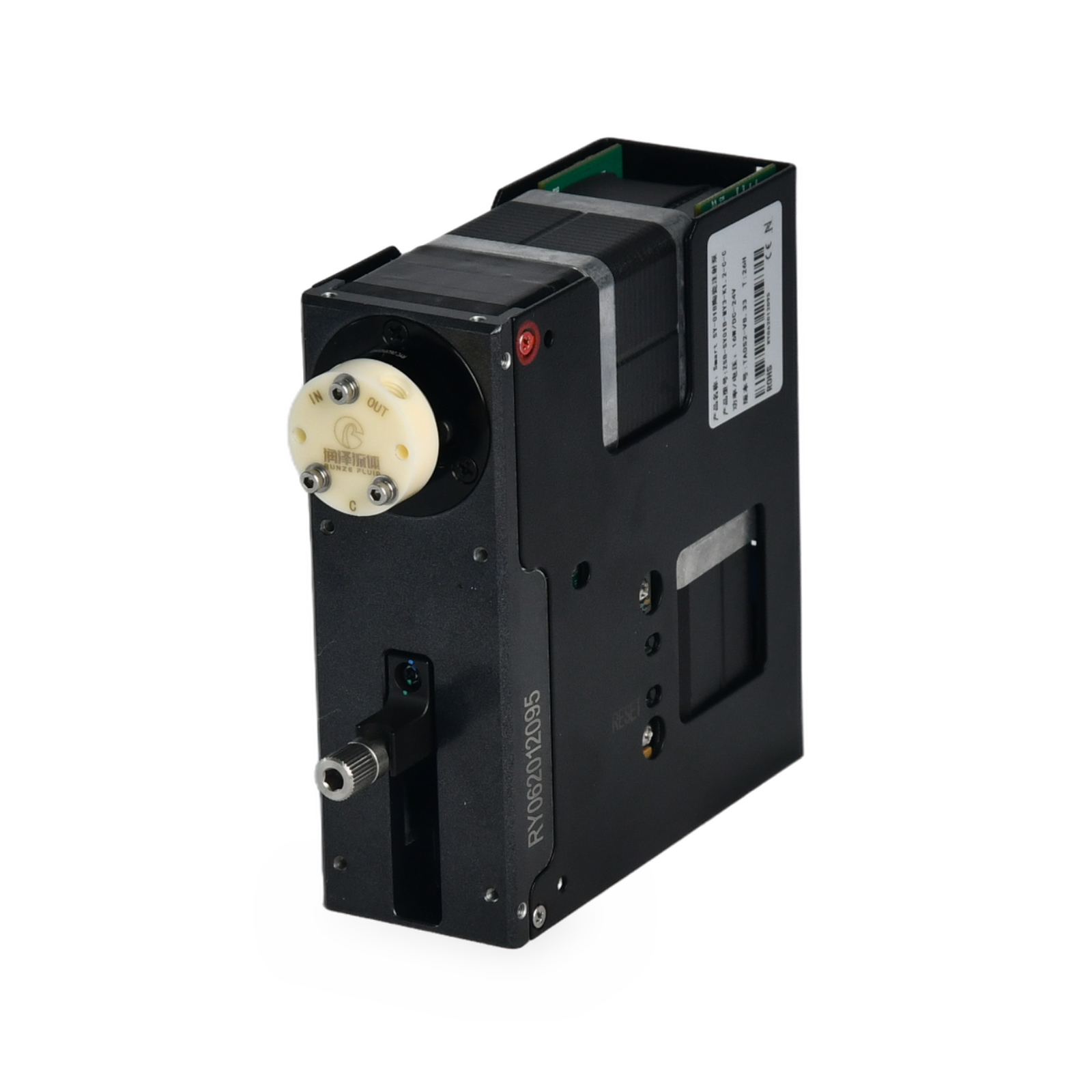
Separate the PC-to-USB-CAN adapter connection from the CAN bus between the adapter and pump. A setting on one side does not prove that the other side is correct.
Do not reuse wire colors, defaults, addresses, or query commands without the exact adapter and device documentation.
Quick answer
Confirm that the adapter is recognized and set its CAN baud to match the pump. V9.75 page 12 lists 100, 125, 250, and 500 kbps and 1 Mbps for the Smart SY-01BM and SY-03BM family page. Verify the exact device before using this list; it does not establish the default baud.
Check the complete path
Record the pump model, hardware variant, protocol, adapter, and software version. Confirm driver and port selection, then verify CAN-H, CAN-L, ground, power, termination, address, and baud from the exact drawings and manuals.
Use documented queries
Send only a query defined by the matching protocol and save transmitted and received frames. Follow the documented effective or restart procedure after any baud change.
- Possible causes include baud mismatch, wiring, termination, address, frame, driver, adapter, or device power.
- Do not identify CAN-H and CAN-L by wire color alone.
- Escalate when a documented query still receives no response.
Engineering takeaways
- Separate adapter settings from device bus settings.
- Match baud, wiring, termination, address, and protocol.
- Preserve communication logs for review.